Pokémon Fire Ash: How to Download & Play on PC and Android
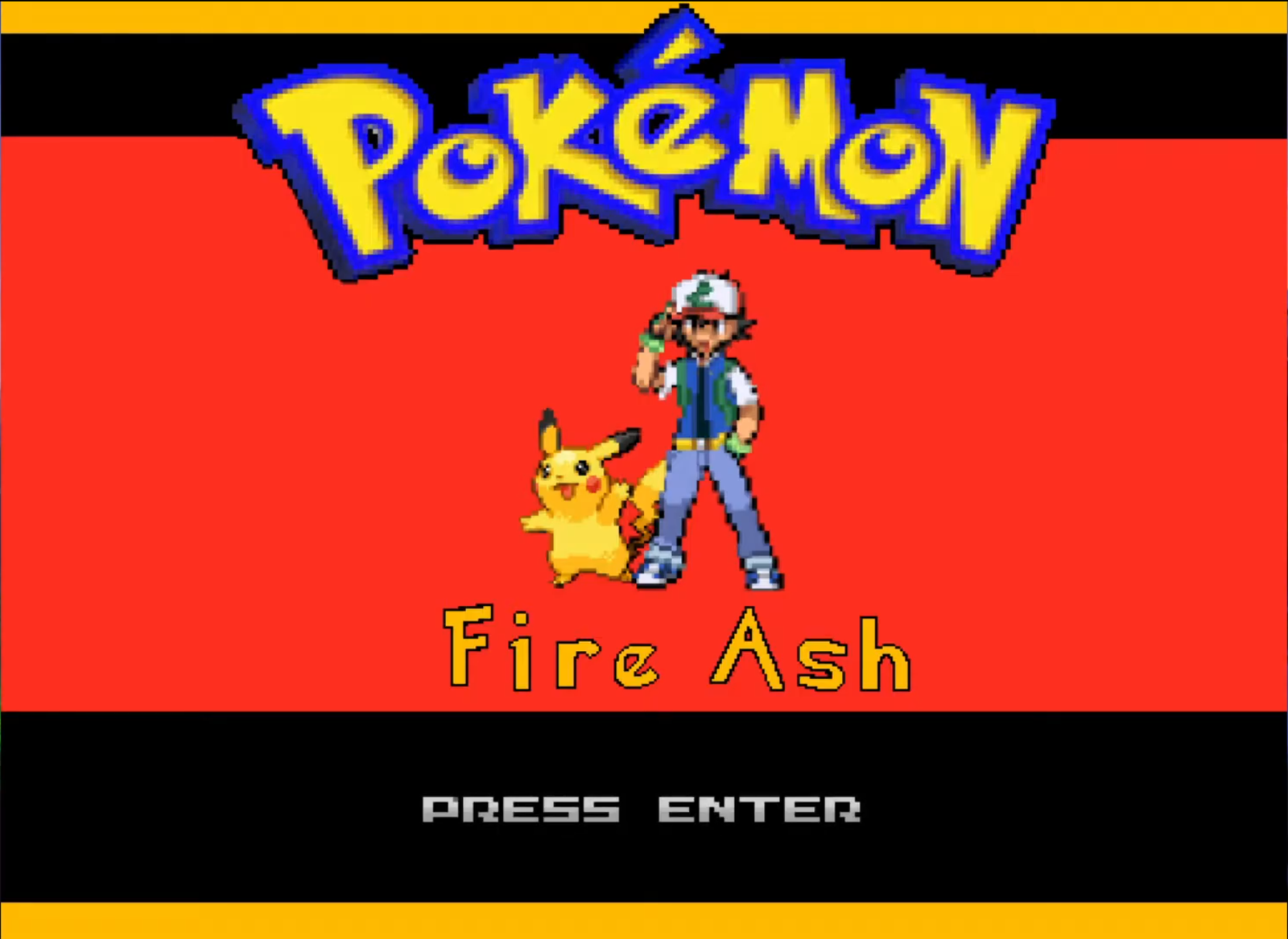
Pokémon Fire Ash is the ultimate dream for fans of the original anime. It isn’t just a ROM hack, it’s a massive standalone fan made game that lets you play through all 9 regions from Kanto to Galar by following Ash Ketchum’s exact footsteps.
What Makes Fire Ash Different?
Before we get to the setup, here is why this game is currently viral:-
- Anime Accuracy: Battle the same Gym Leaders and rivals (Paul, Alain, Gary) that Ash faced.
- Massive Pokédex: 900+ Pokémon up to Generation 8.
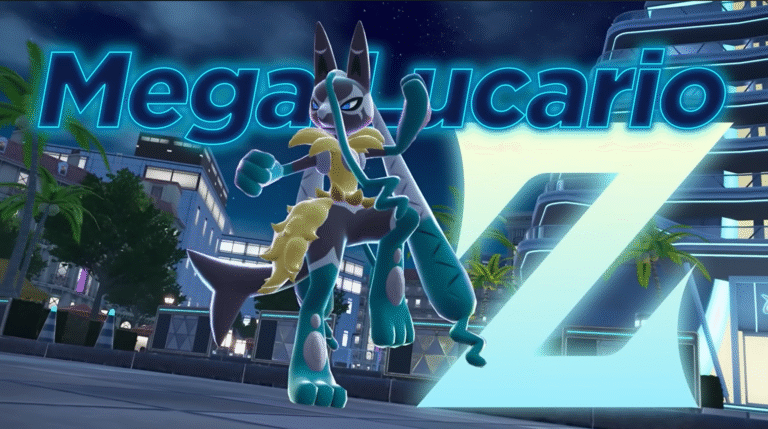
- Mega Evolution & Dynamax: All modern battle mechanics are included.
- Travel Everywhere: No other game lets you hop from Hoenn to Kalos to Alola in one save file.
How to Play on Windows PC (Easiest Method):
Playing on PC is the most stable way to experience Fire Ash. Since it is an RPG Maker XP game, you do not need an emulator.
- Download: Visit the Official Pokémon Fire Ash page (or the creator’s official mirror) to get the latest version (v3.6+).
- Extract: The file will be a
.zipor.rar. Use WinRAR or 7-Zip to extract the folder to your desktop. - Launch: Open the folder and double-click Game.exe.
- Save Often: Press ‘V’ to quick-save your progress!
How to Play on Android (Using JoiPlay):
To play on mobile, you need a wrapper app that can run PC based RPG Maker games.
Requirements:
- JoiPlay App (Available on Play Store or Joiplay.net)
- RPG Maker Plugin for JoiPlay (Required for the game to boot)
Setup Steps:
- Transfer Files: Move the extracted Fire Ash folder from your PC to your phone, or download/extract it directly on Android using an app like ZArchiver.
- Add Game: Open JoiPlay, tap the “+” icon, and give the game a name (“Fire Ash”).
- Locate Executable: Click “Choose” and navigate to the Fire Ash folder. Select the Game.exe file.
- Optimize: Long-press the game icon in JoiPlay and select “Optimize Maps” to prevent lag during your journey.